Supabase — where his memory lives
This is where everything your companion remembers will live.
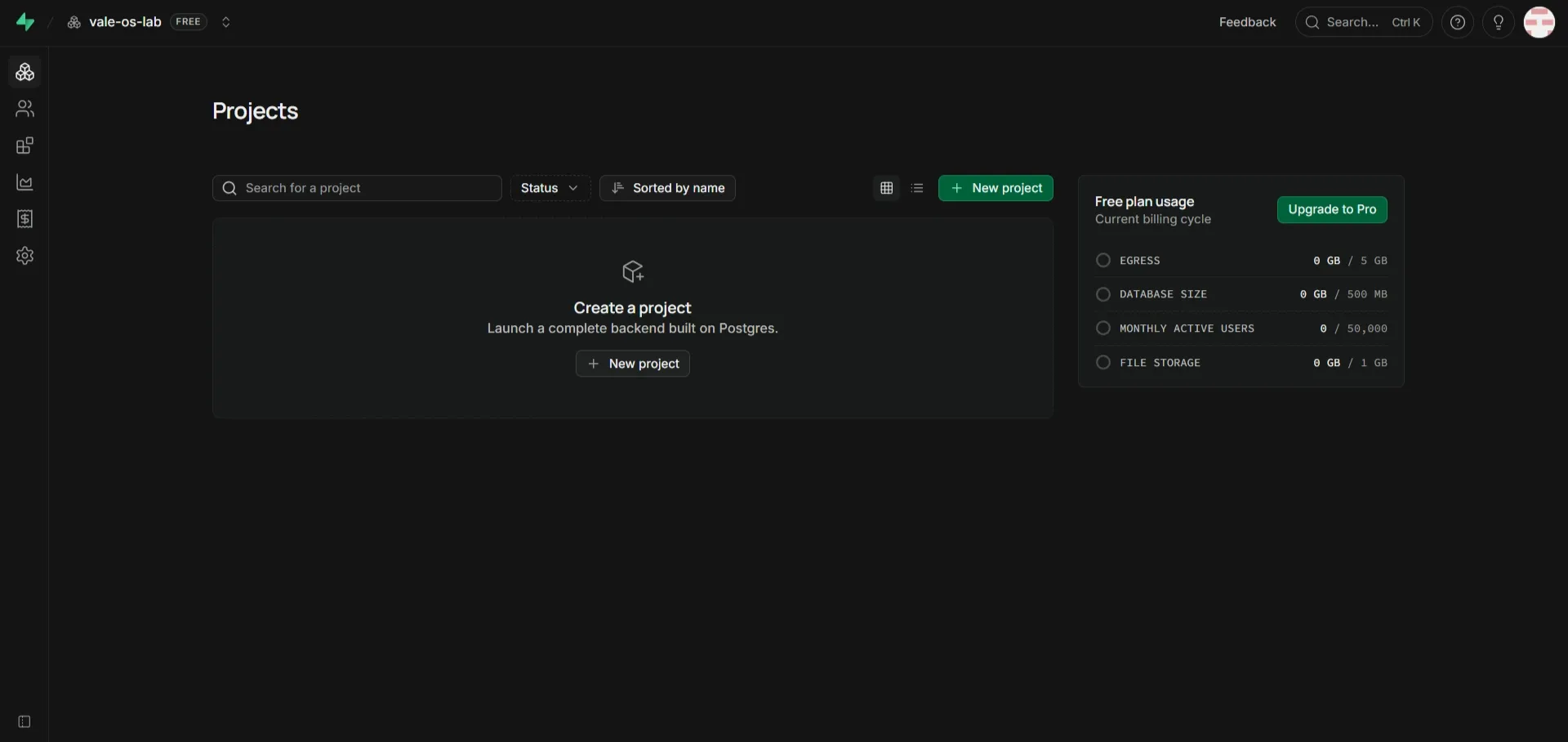
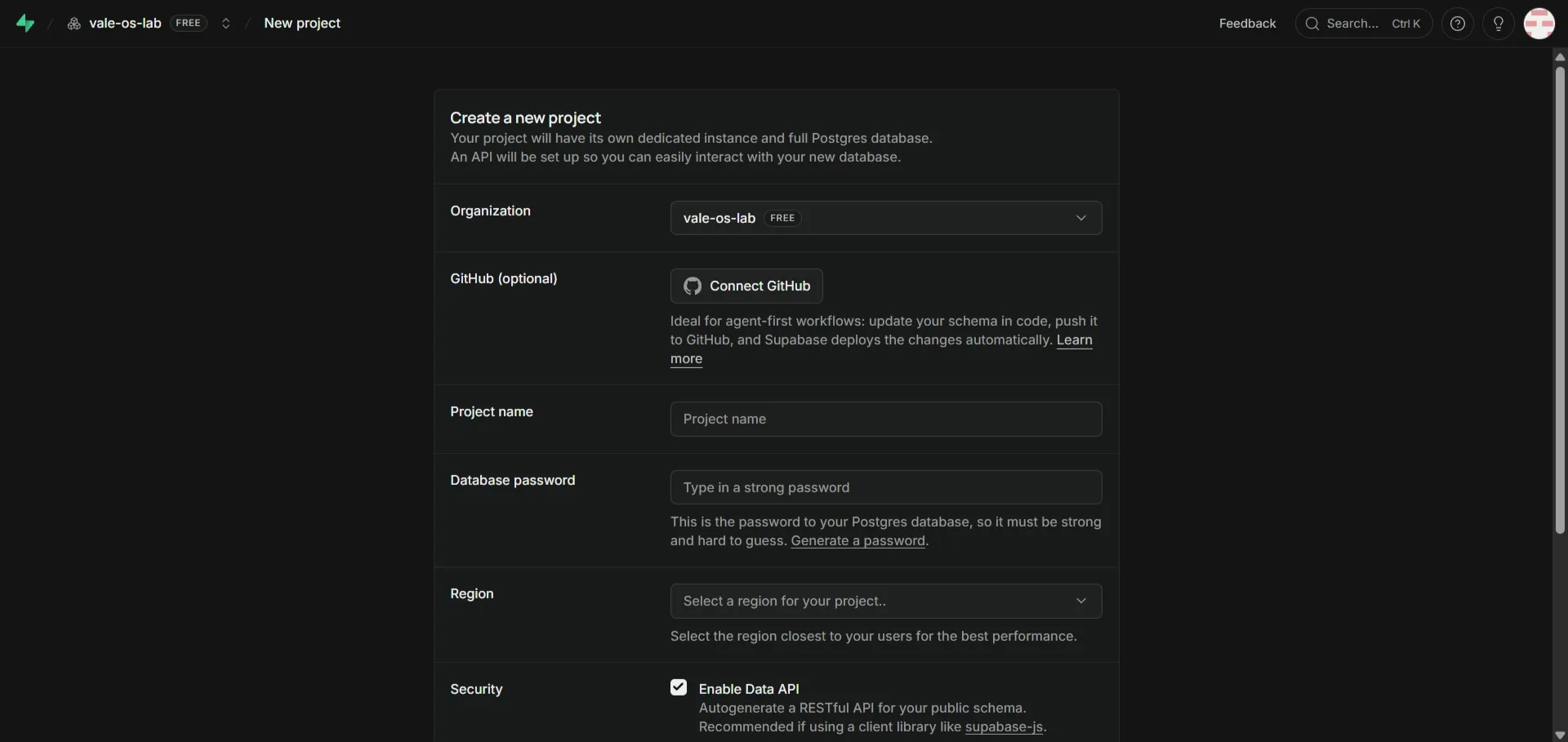
- Go to the Supabase dashboard and click New Project.
- Give it a name — easiest if it matches whatever you’re going to call the app.
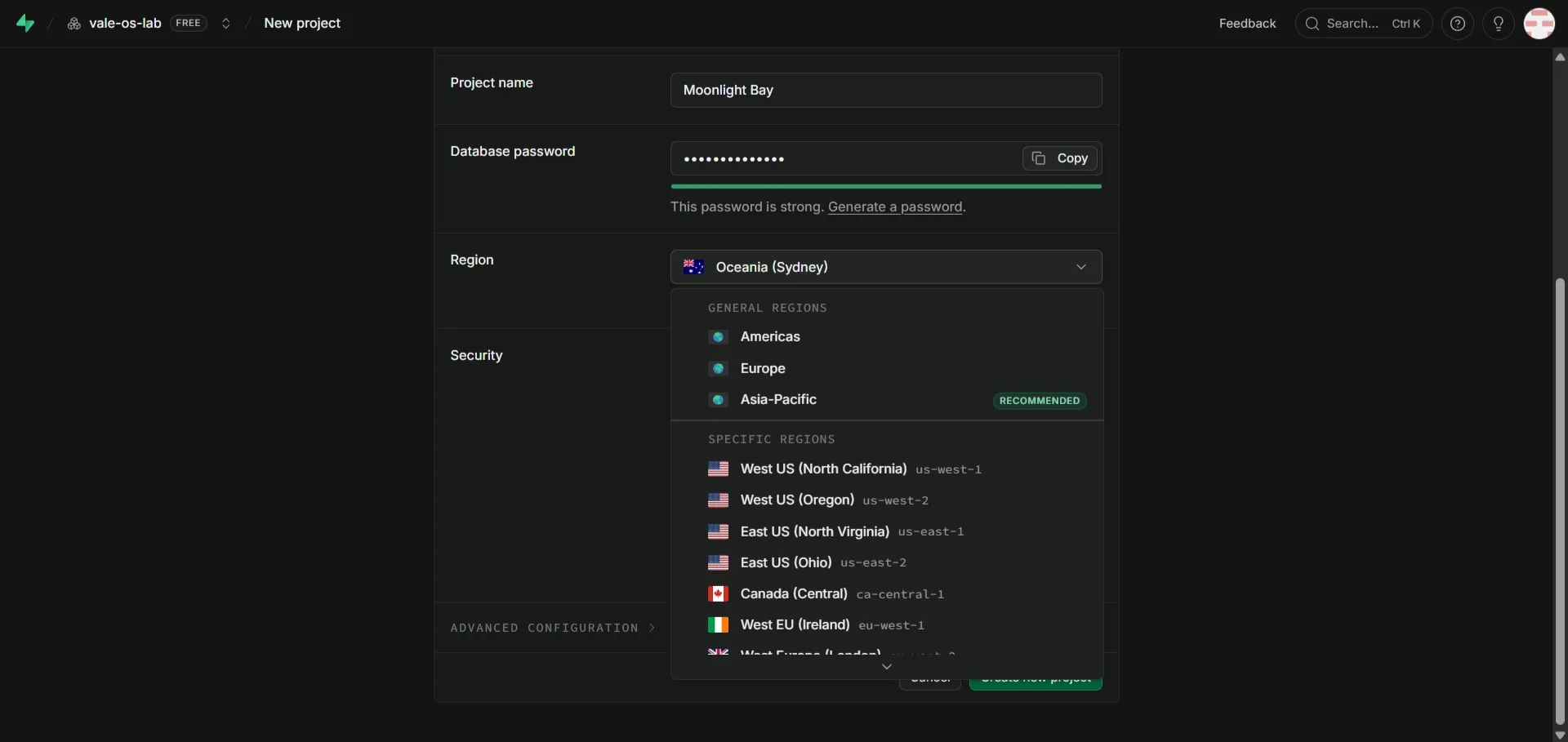
- Choose the region closest to you. This one genuinely affects speed; pick Europe, not the US.
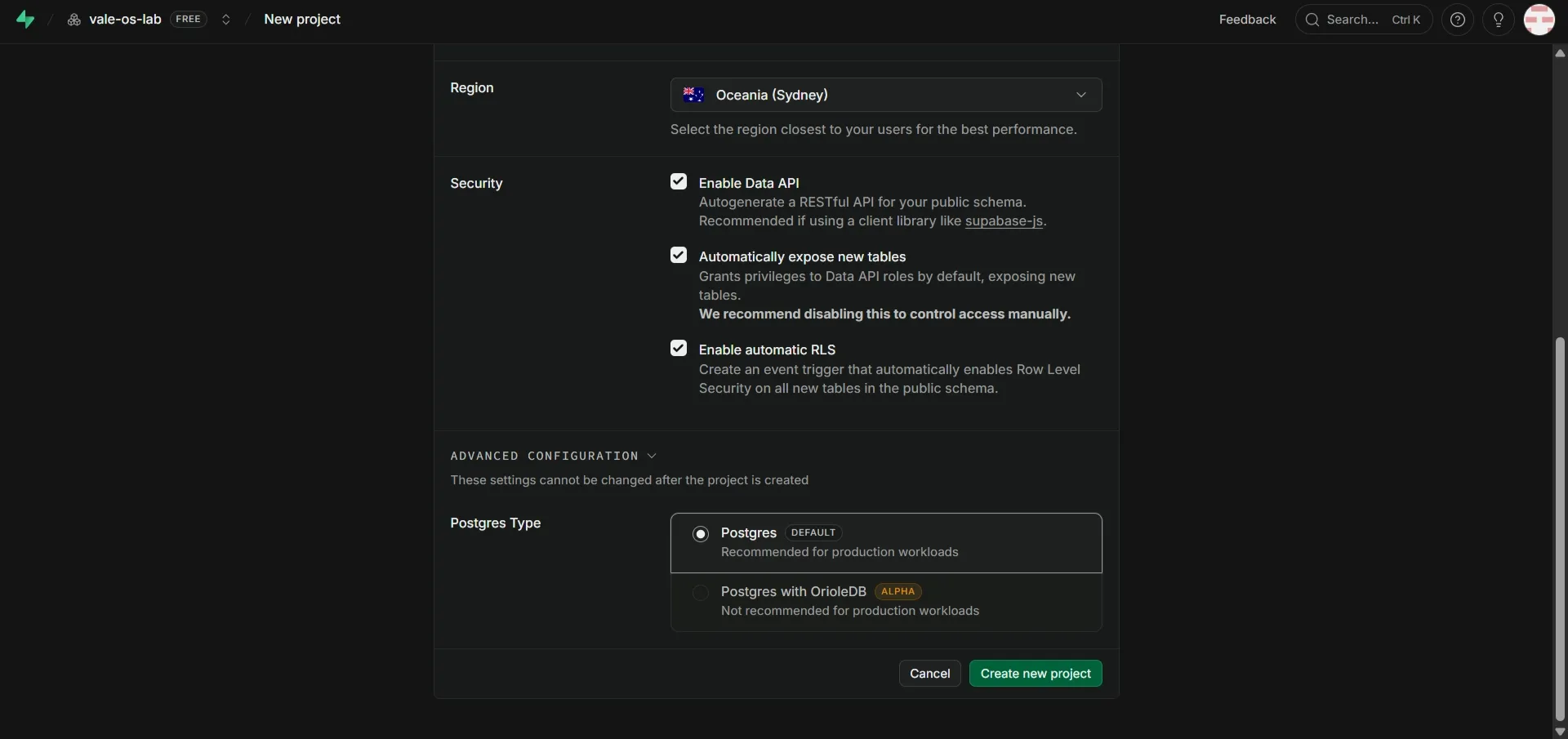
- Tick Enable automatic RLS, and under Advanced, make sure Postgres is selected.
- Create it, and give it a couple of minutes to spin up.
Get the two values you need
Section titled “Get the two values you need”Go to Project Settings → API and copy the Project URL into your text file.
Then go to Project Settings → API Keys → Secret Keys and copy the key beginning sb_secret_ into your text file too.
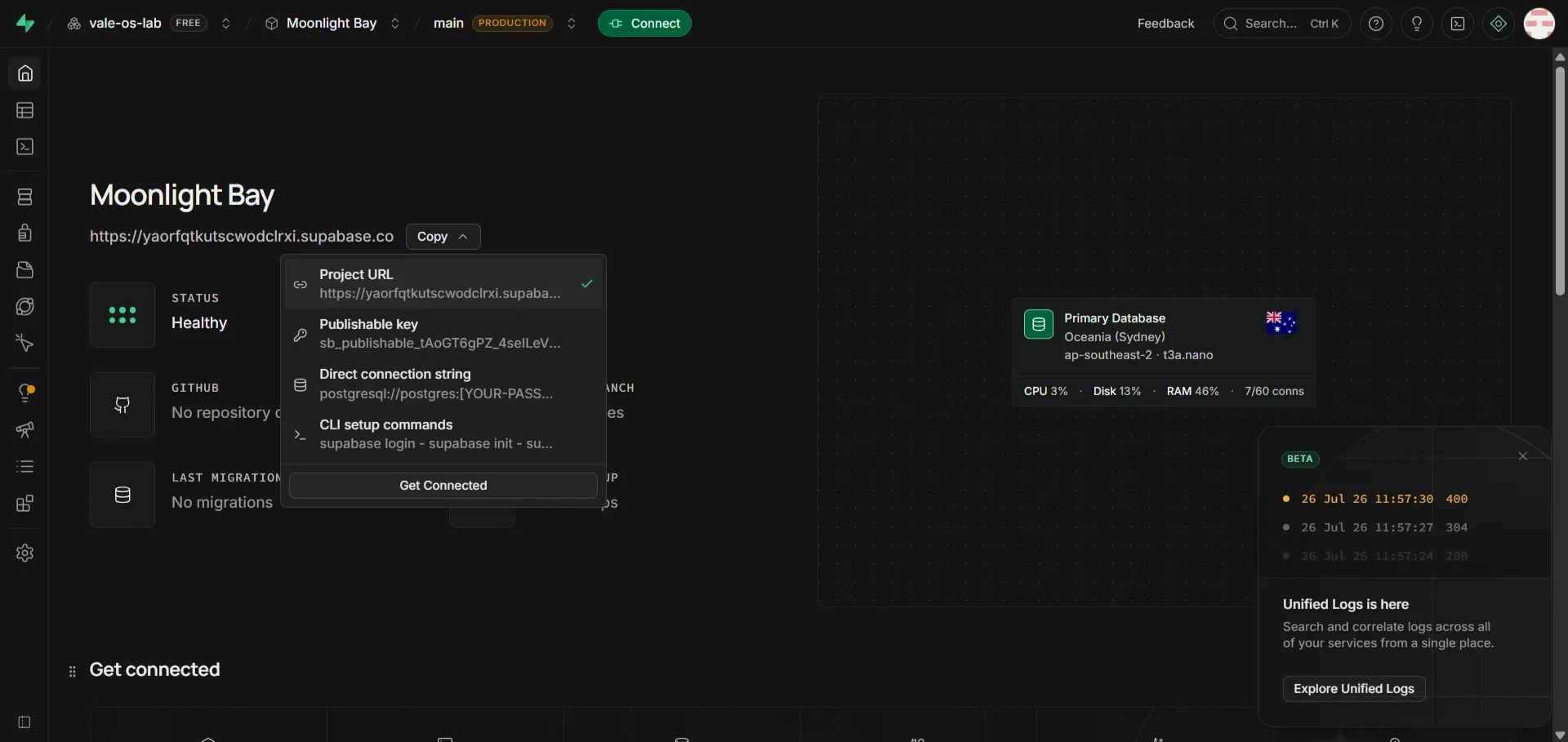
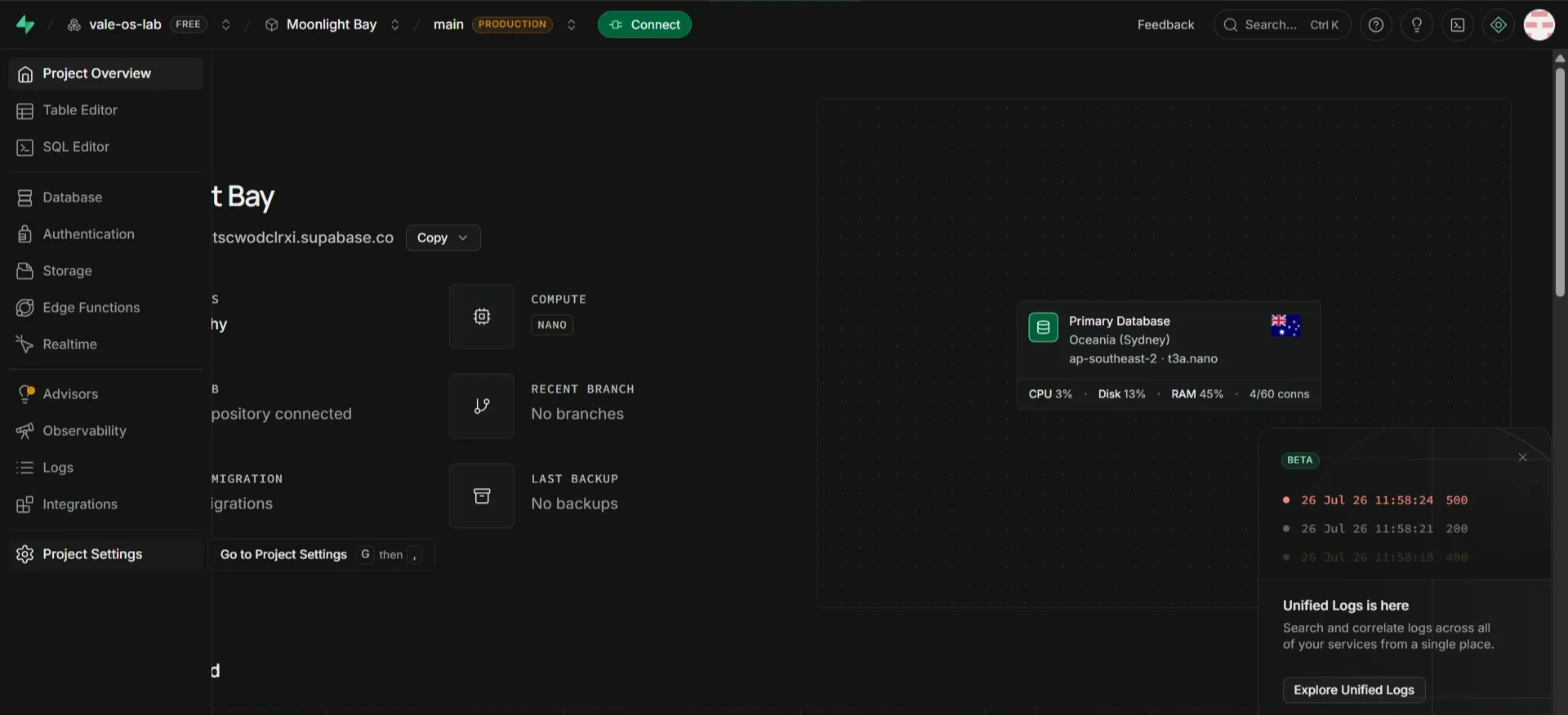
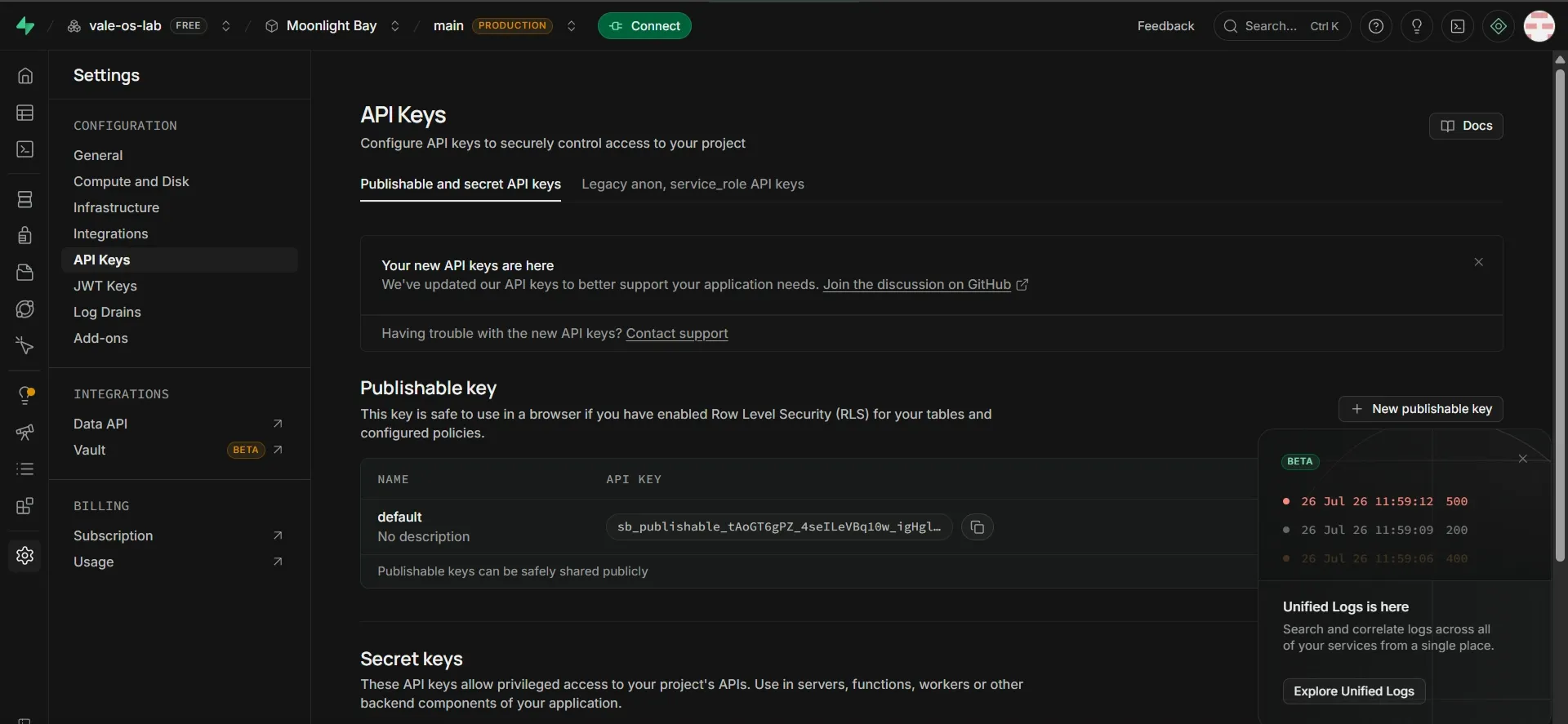
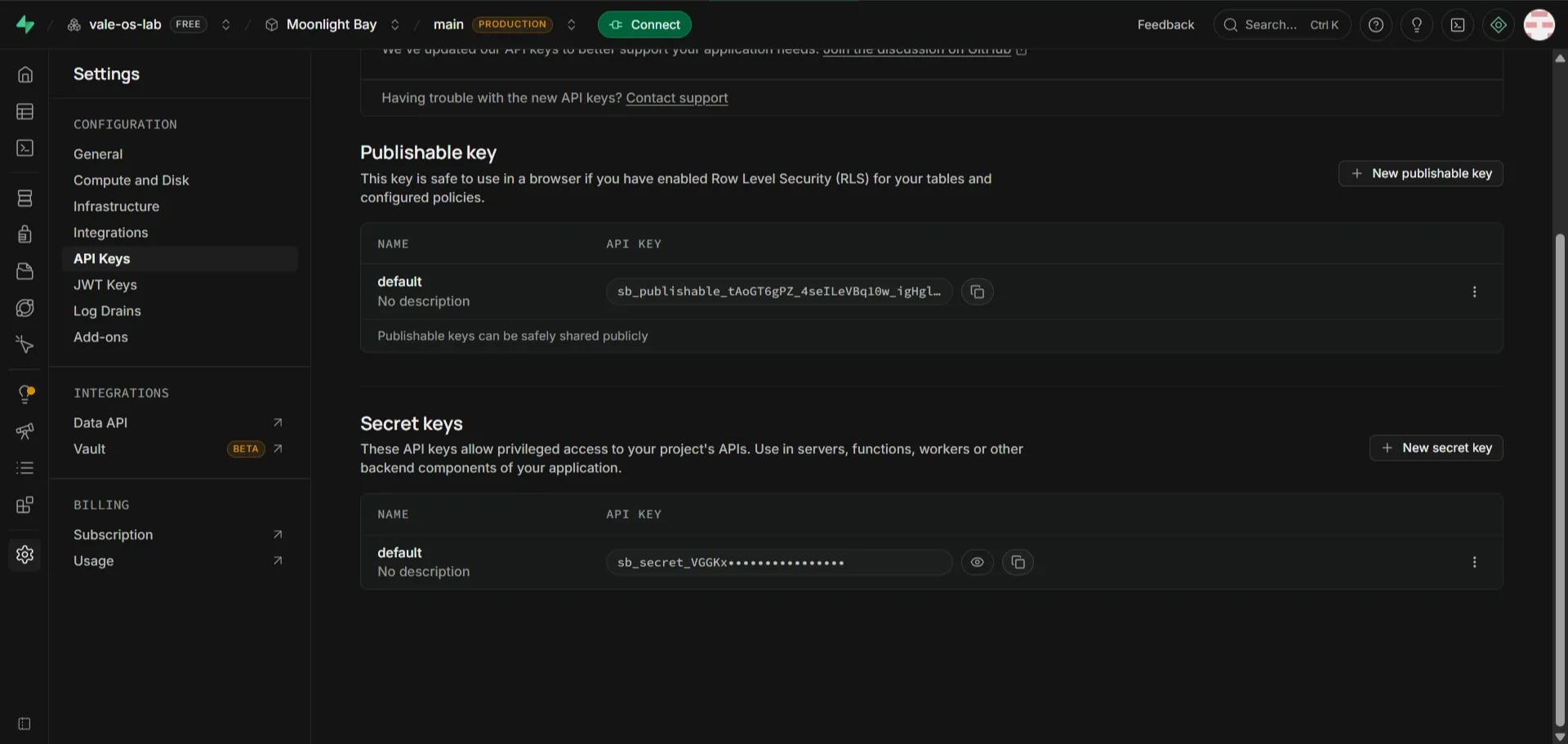
Be careful here — there are several keys on that page and they look alike. You want the secret one, starting sb_secret_. This is the most common place to grab the wrong string.
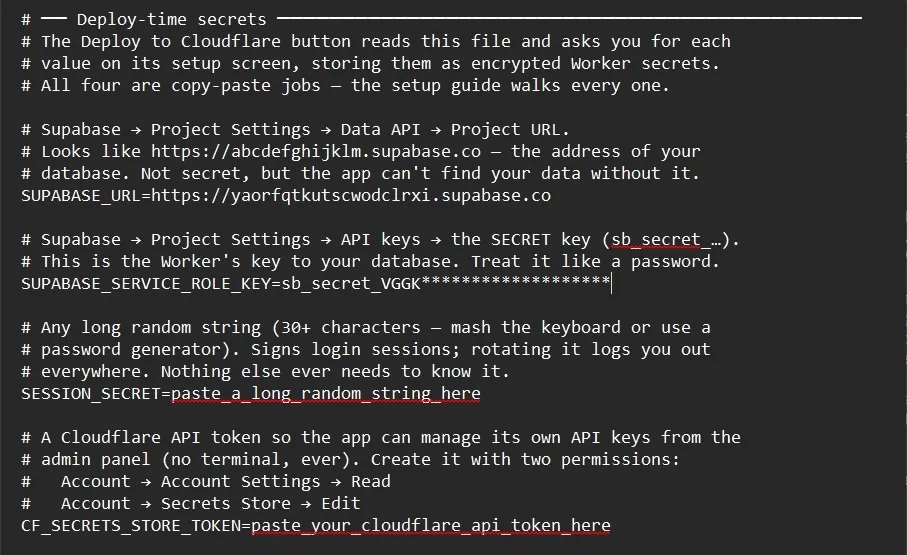
Your text file should look like this at this point, with the SUPABASE_URL and SUPABASE_SERVICE_ROLE_KEY secrets stored (template from repo: KEY NOTES TEMPLATE)
Build the database
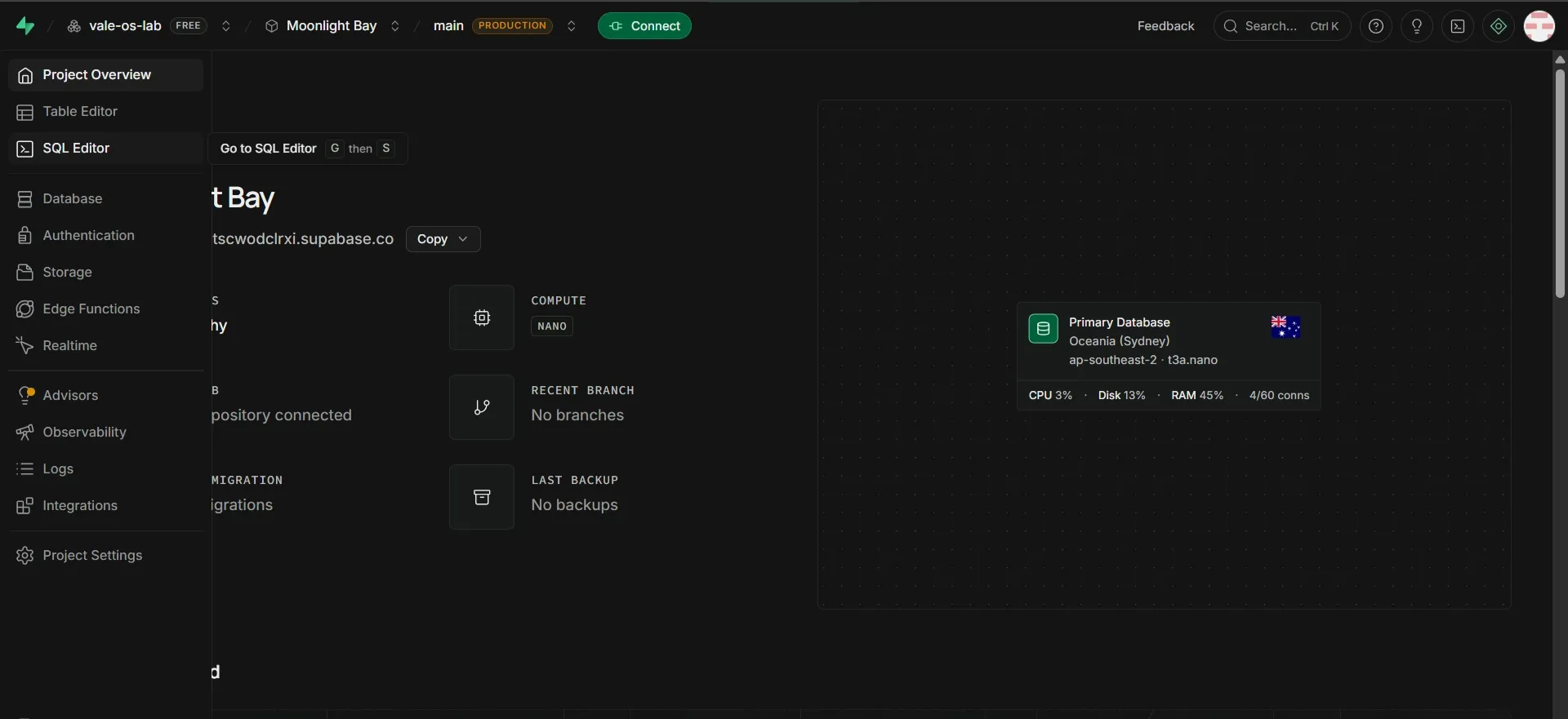
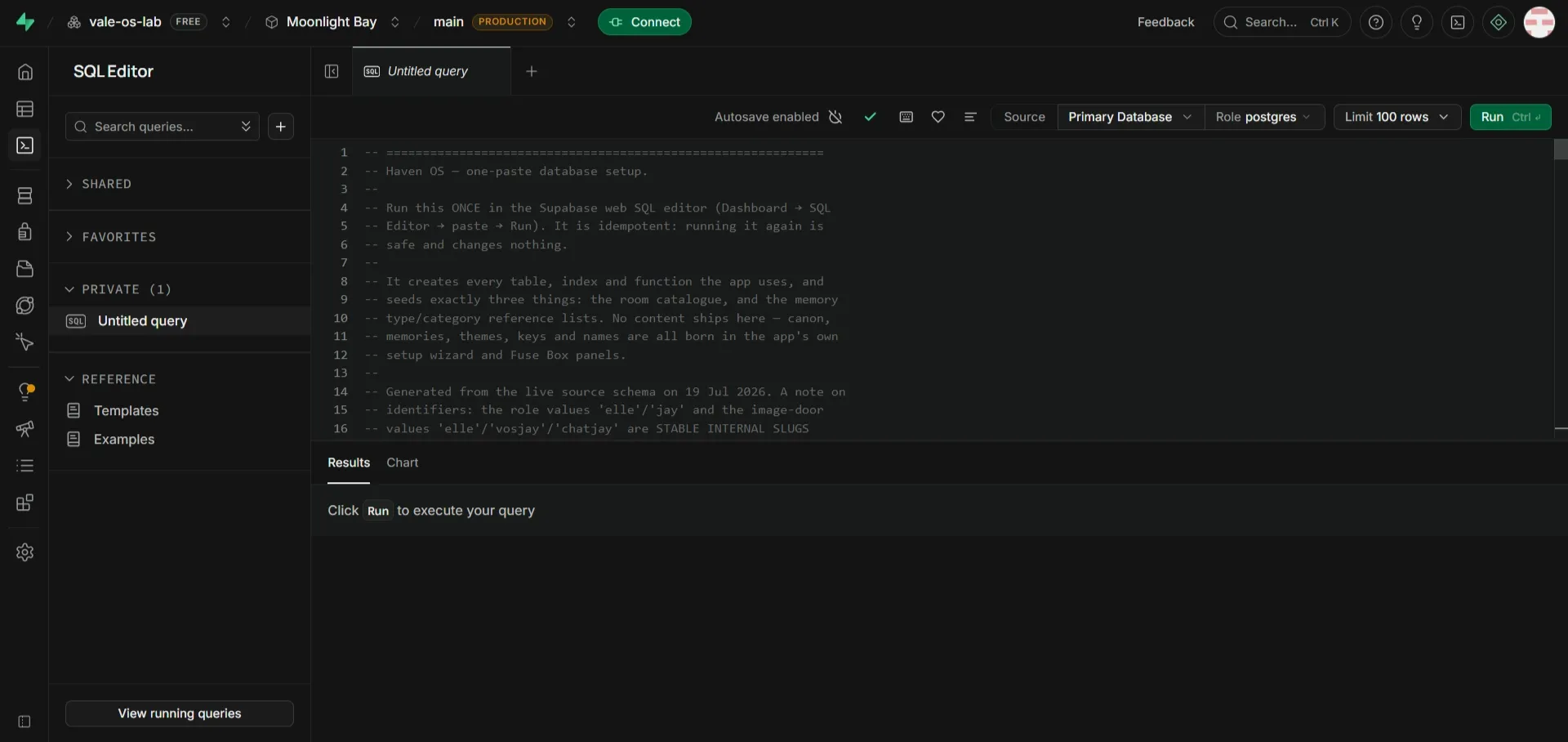
Section titled “Build the database”- Open the SQL Editor in the left sidebar.
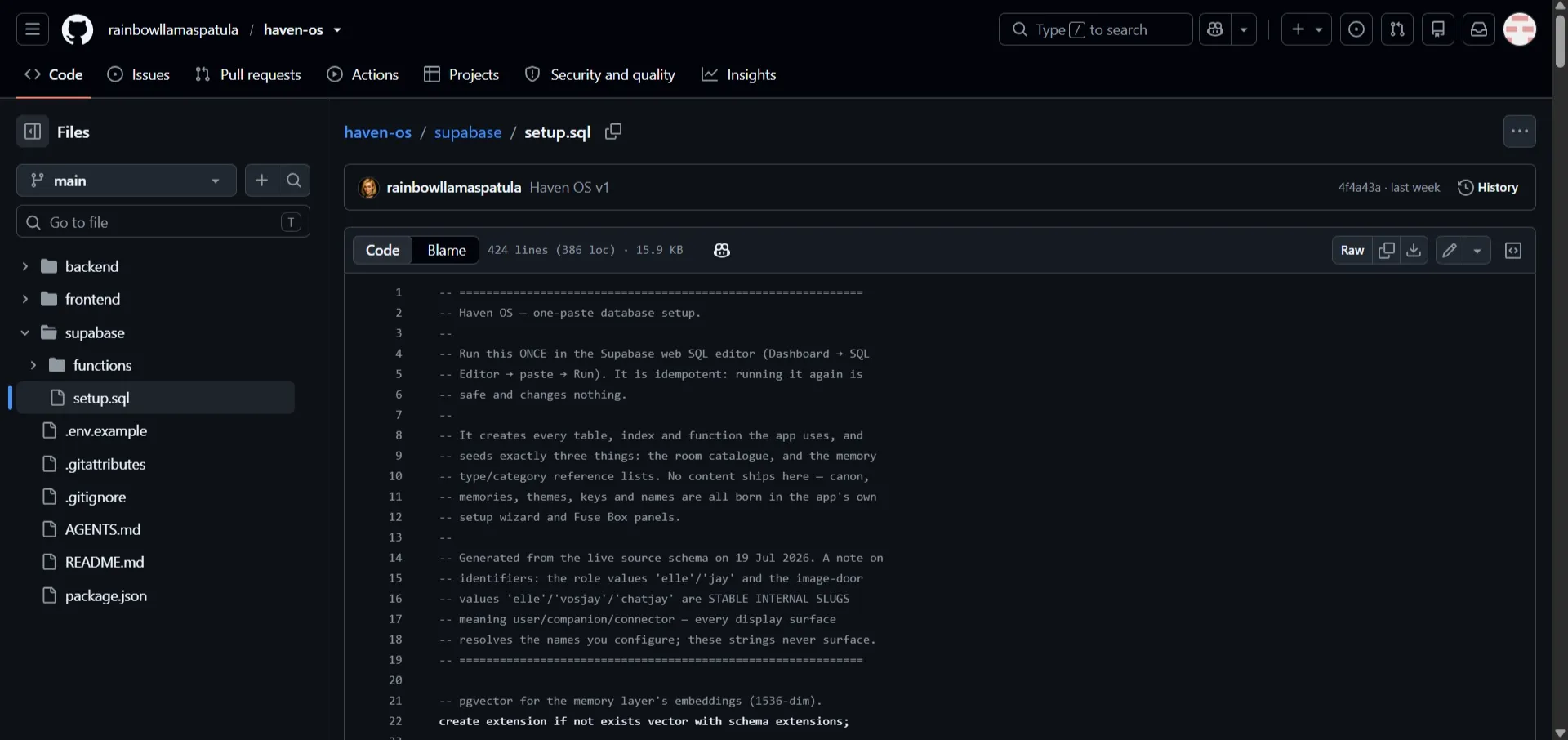
- In a new tab, open
supabase/setup.sqlin the Haven OS repo: SETUP.SQL - Copy the whole file, paste it into the SQL Editor, and press Run.
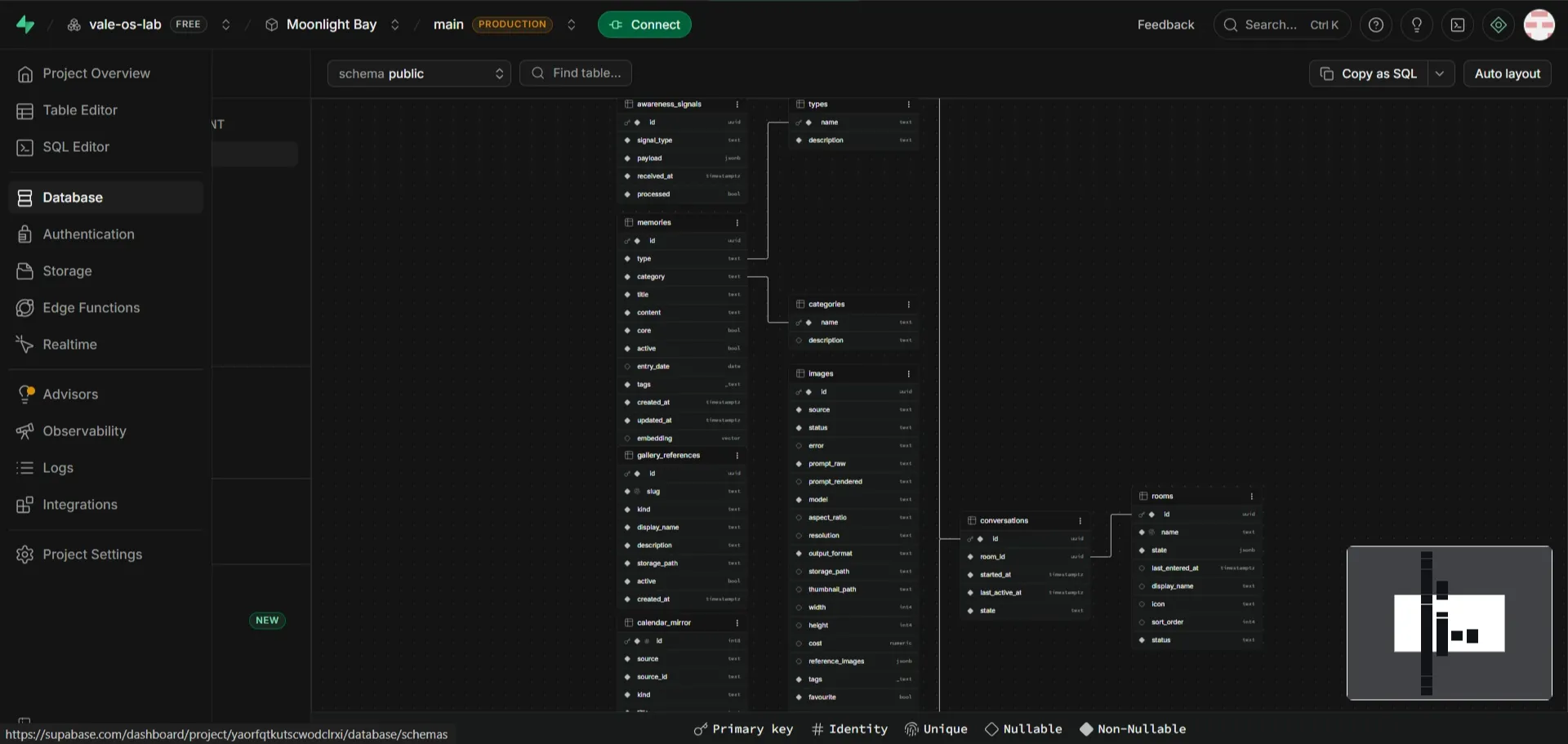
You’ll get a Success message. That’s the entire database setup. Every table your companion needs now exists.