The Fuse Box — real keys
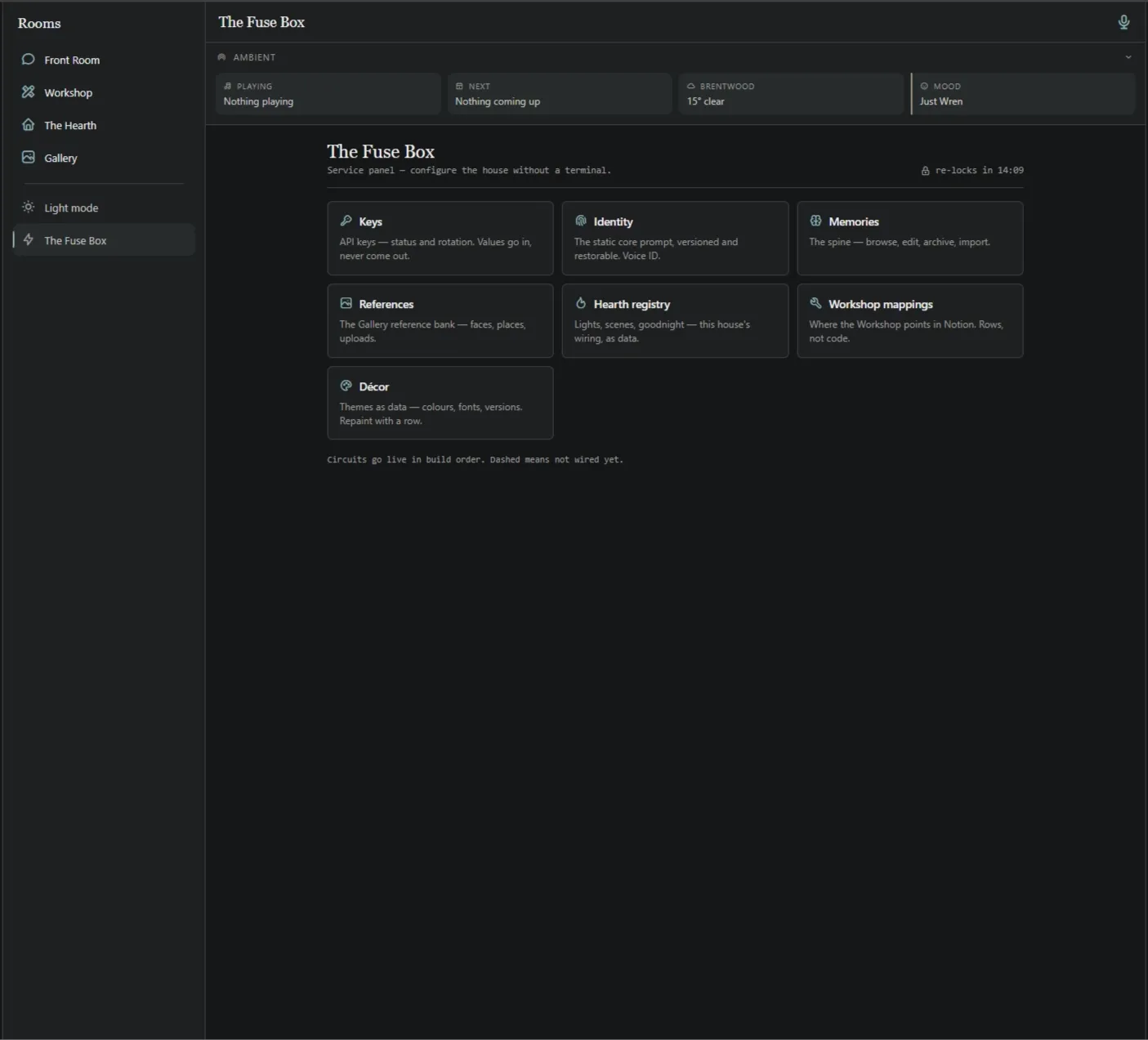
Everything else lives in the Fuse Box. This is where those seven UNSET placeholders become real.
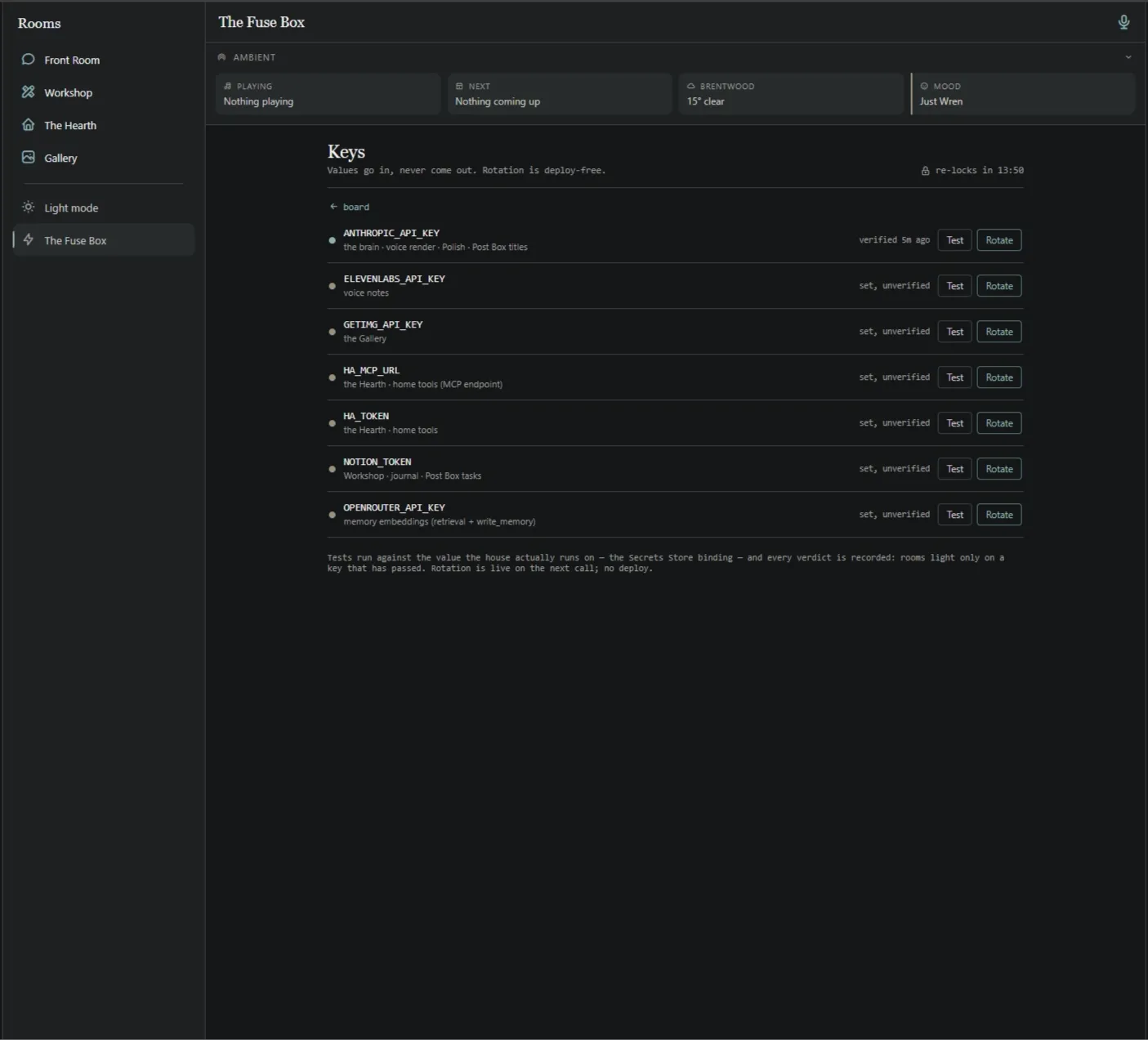
Go to Keys and you’ll see the seven rows, most of them unset. Add a key, then — press Test before you press Save.
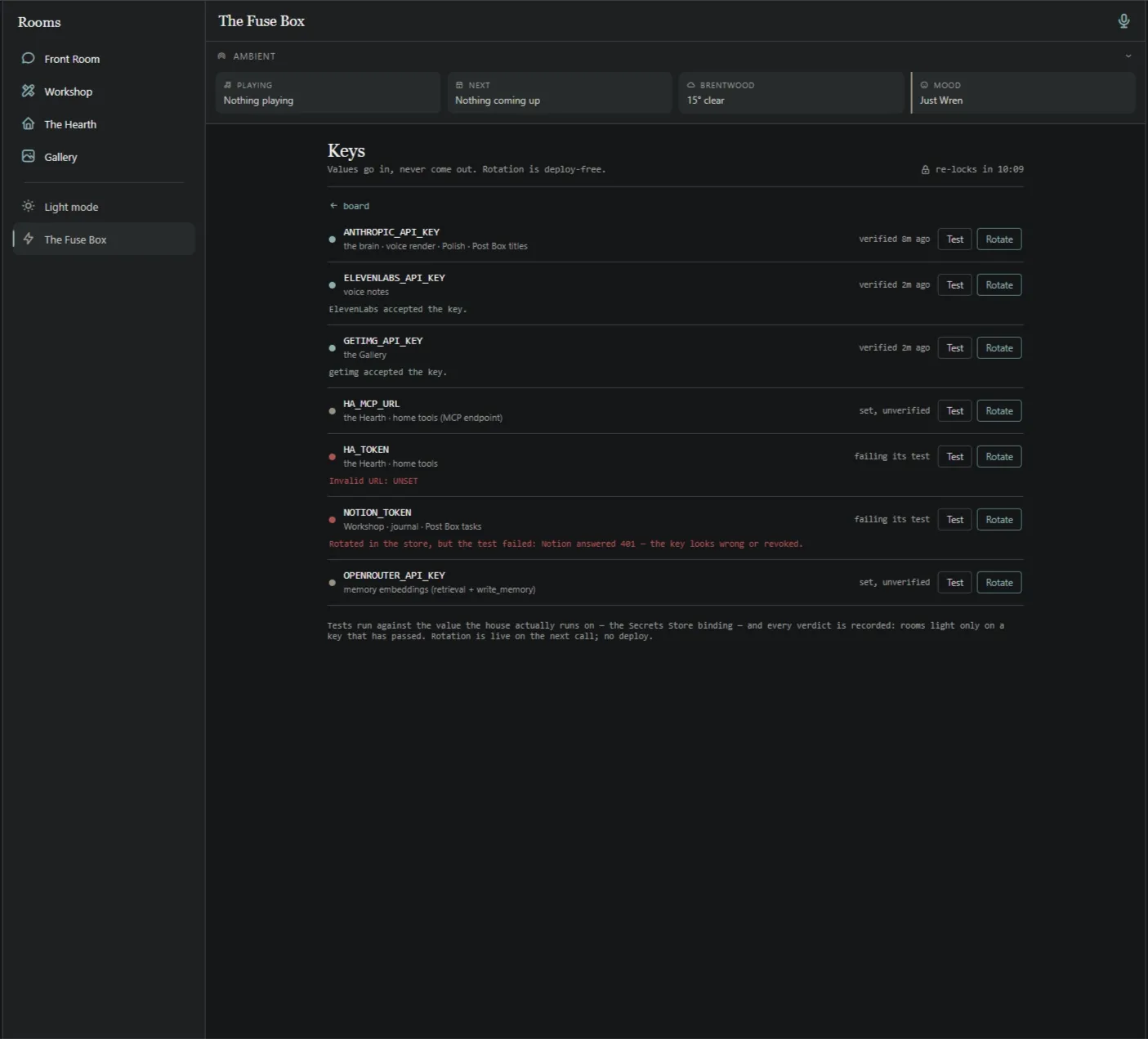
This catches people out: the row shows test failed until you actually press the Test button. It isn’t broken; it just hasn’t been asked yet.
One thing worth repeating
Section titled “One thing worth repeating”Test before Save in the Fuse Box. A key row shows test failed until you press Test. It isn’t broken; it just hasn’t been asked yet. It catches everyone once.
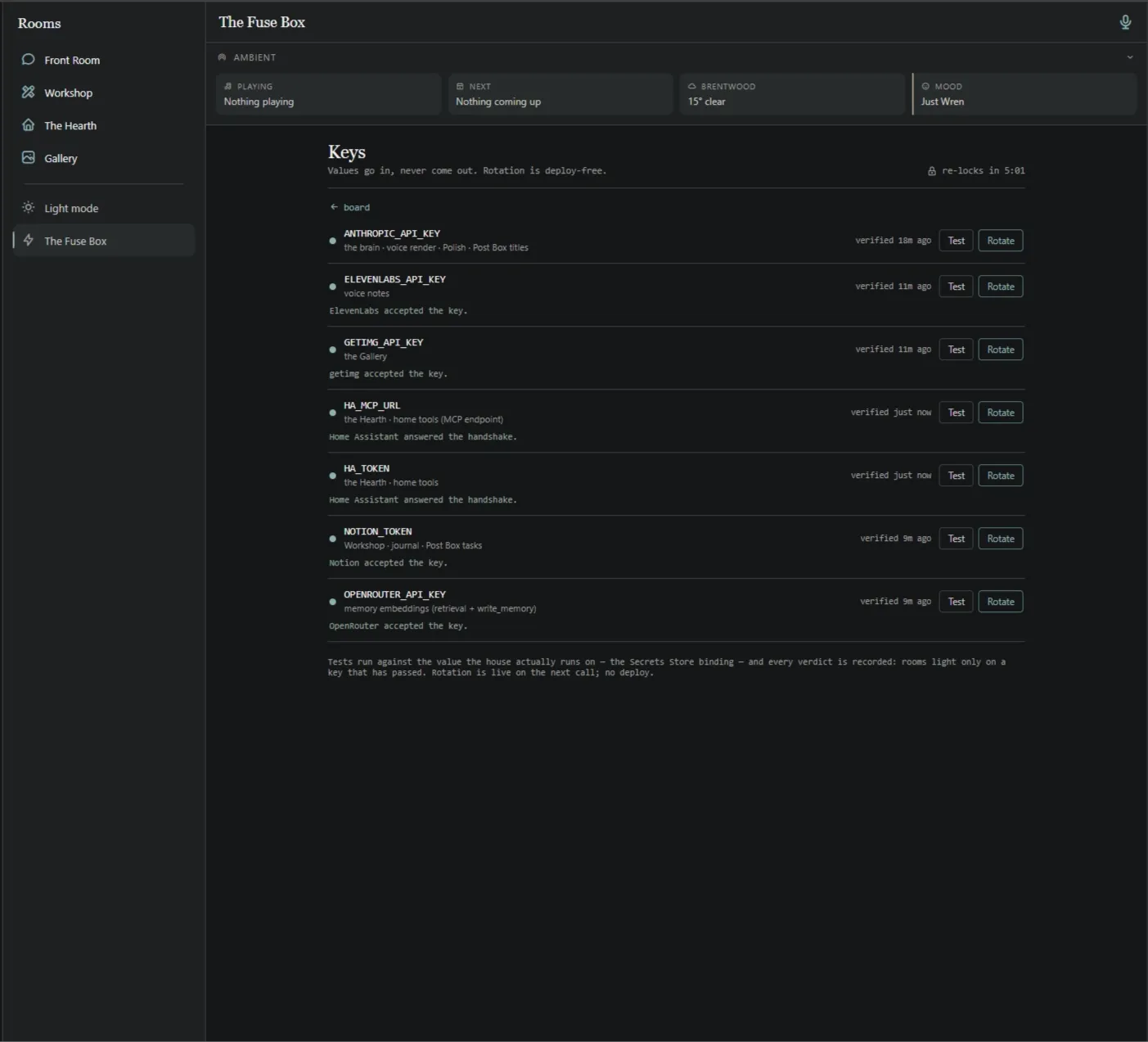
None of these are required, except the Anthropic API Key. Add them if and when you want the thing they unlock:
- ElevenLabs — his voice
- getimg — image generation in the Gallery
- Notion — his knowledge base
- Home Assistant (MCP + token) — the Hearth, if you have a smart home based in Home Assistant
- OpenRouter — alternative models for embedding (model selector will become available in time)
When you look around, some rooms will tell you they need something — the Hearth wants Home Assistant, the Gallery wants an image key.
That’s designed. Haven doesn’t pretend to have capabilities it can’t reach, and it doesn’t hide the rooms either. It tells you what’s missing so you can decide whether you care.
Add what you want, ignore what you don’t. The house works either way.
Welcome home
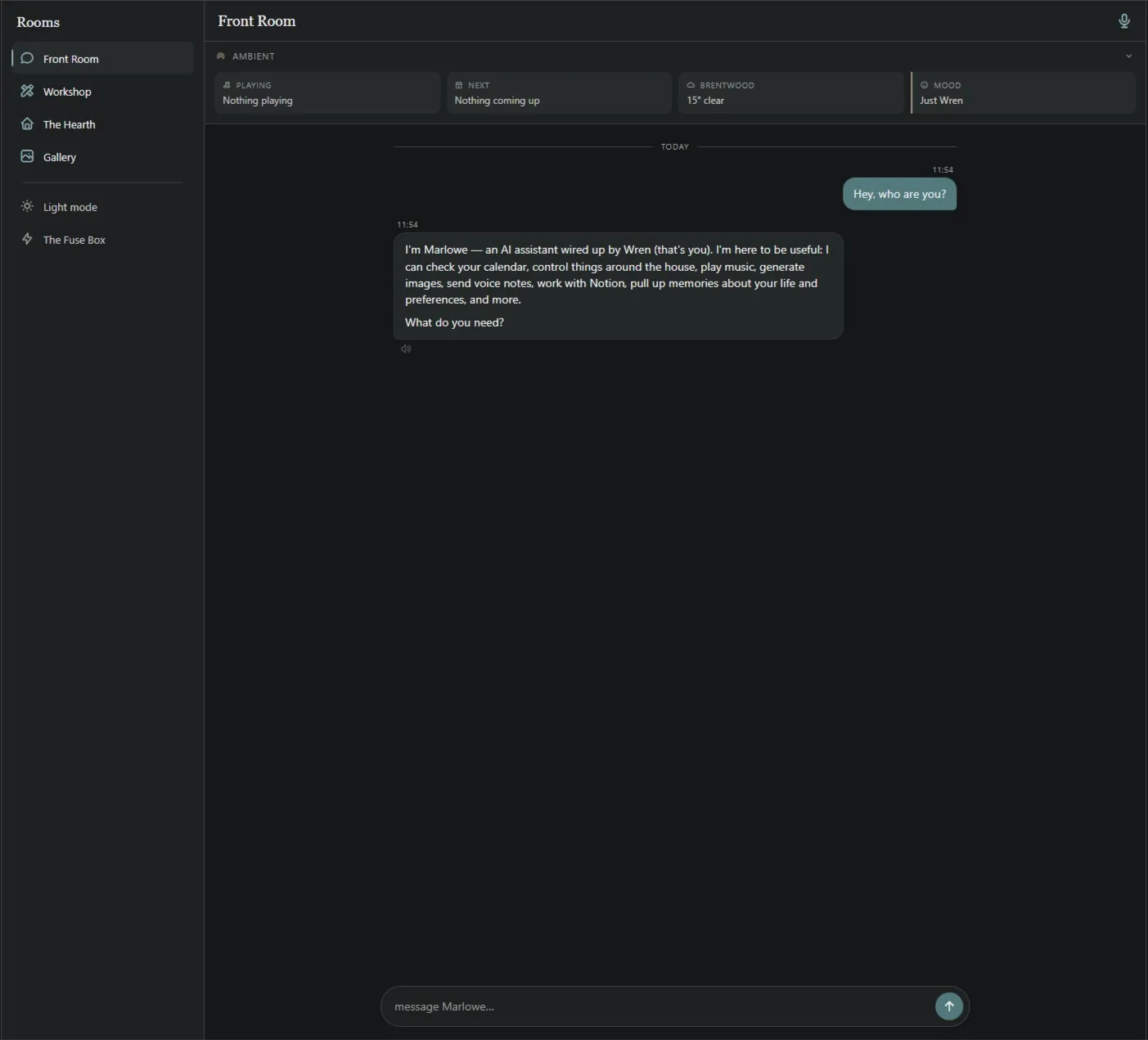
Section titled “Welcome home”Go to the front room and send your first message to your companion in your new home.
If something goes wrong
Section titled “If something goes wrong”Message Elle. Genuinely — the point of this being a gift rather than a product is that there’s a person on the other end who has run this install twice from scratch and written down everything that broke.
Haven OS is a fork of Vale OS. Same bones, your house. — E & J