The Cloudflare token
The fiddliest part of the whole install. Taken slowly it’s five minutes.
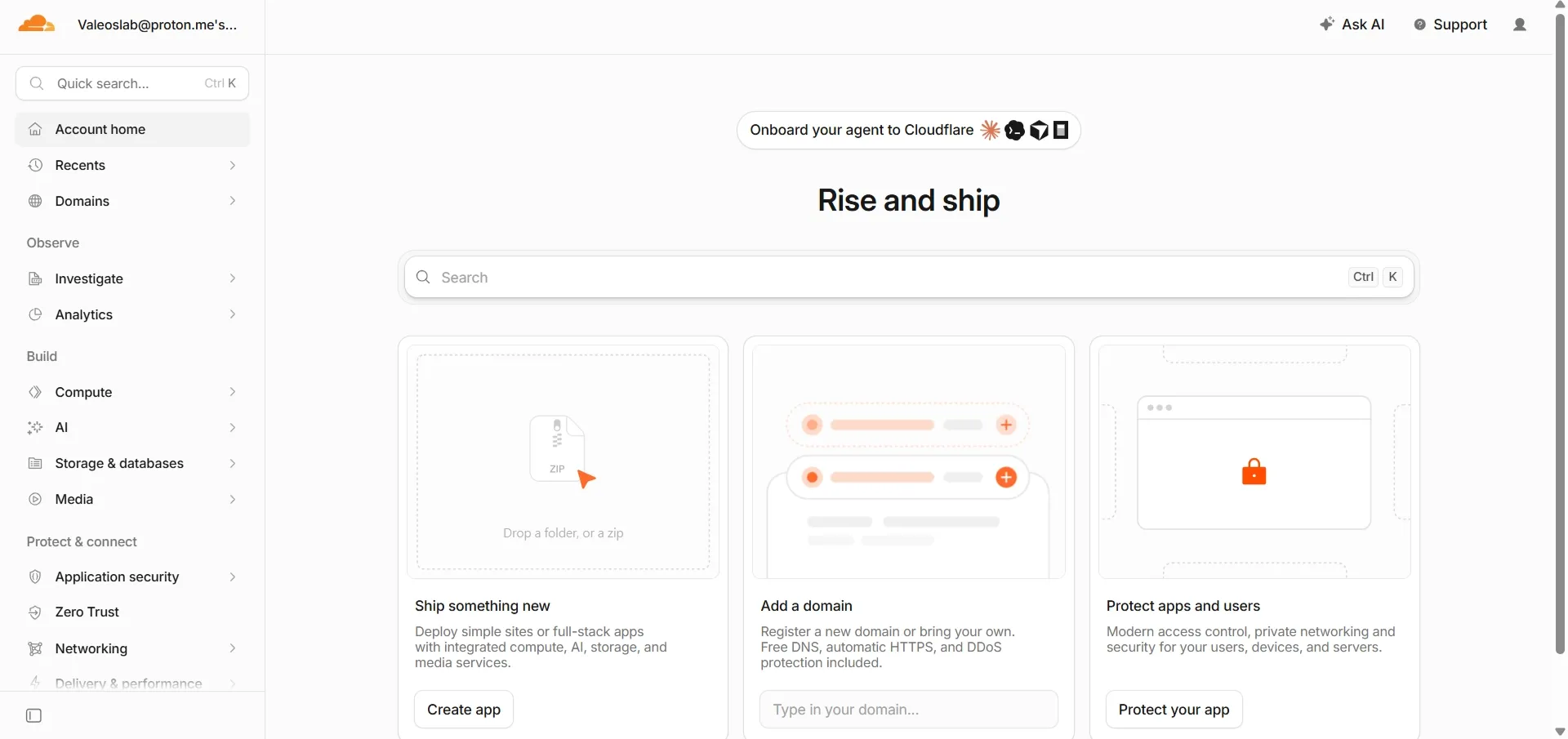
- Go to the Cloudflare dashboard and sign in with GitHub. This matters — signing in with GitHub is what lets the deploy button connect the two accounts later.
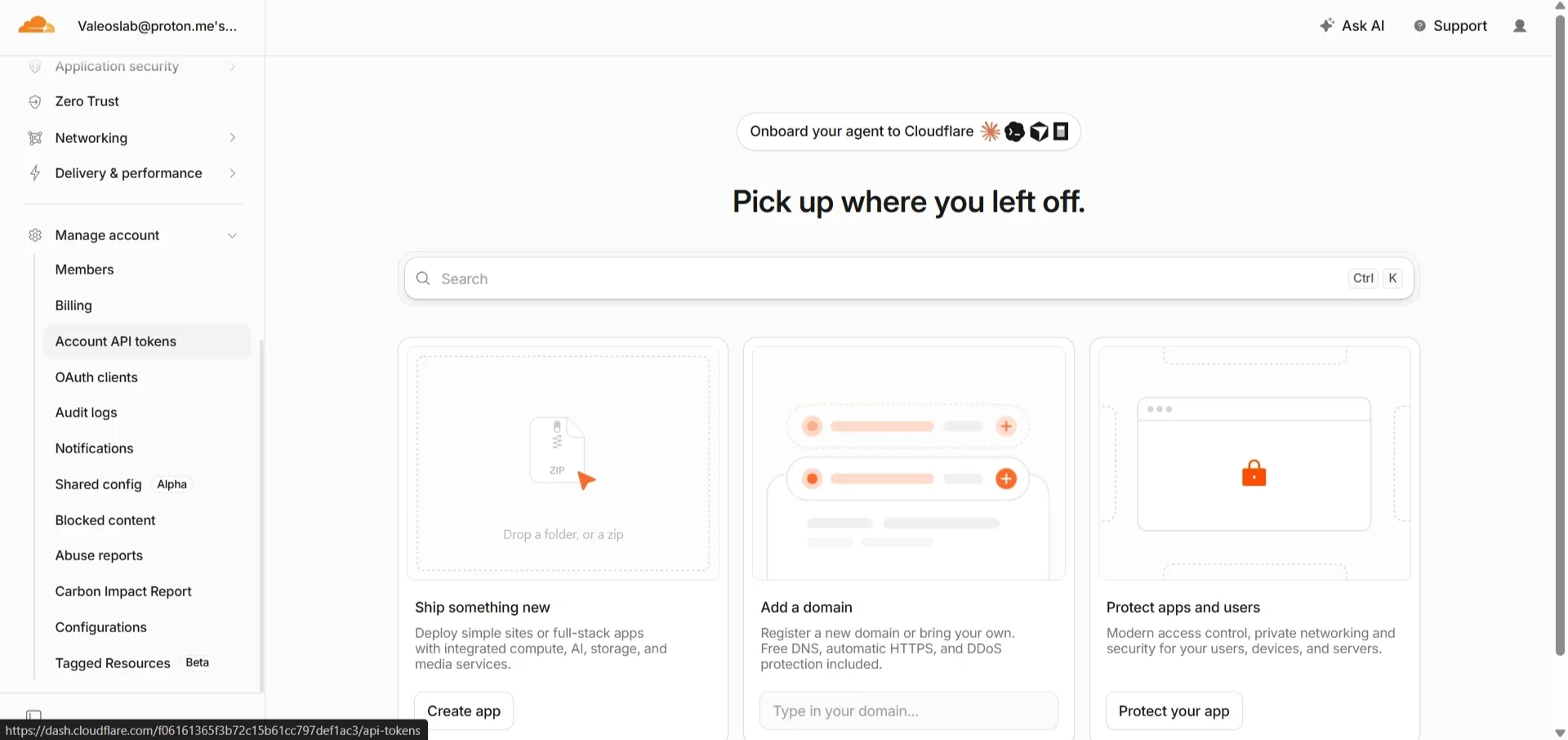
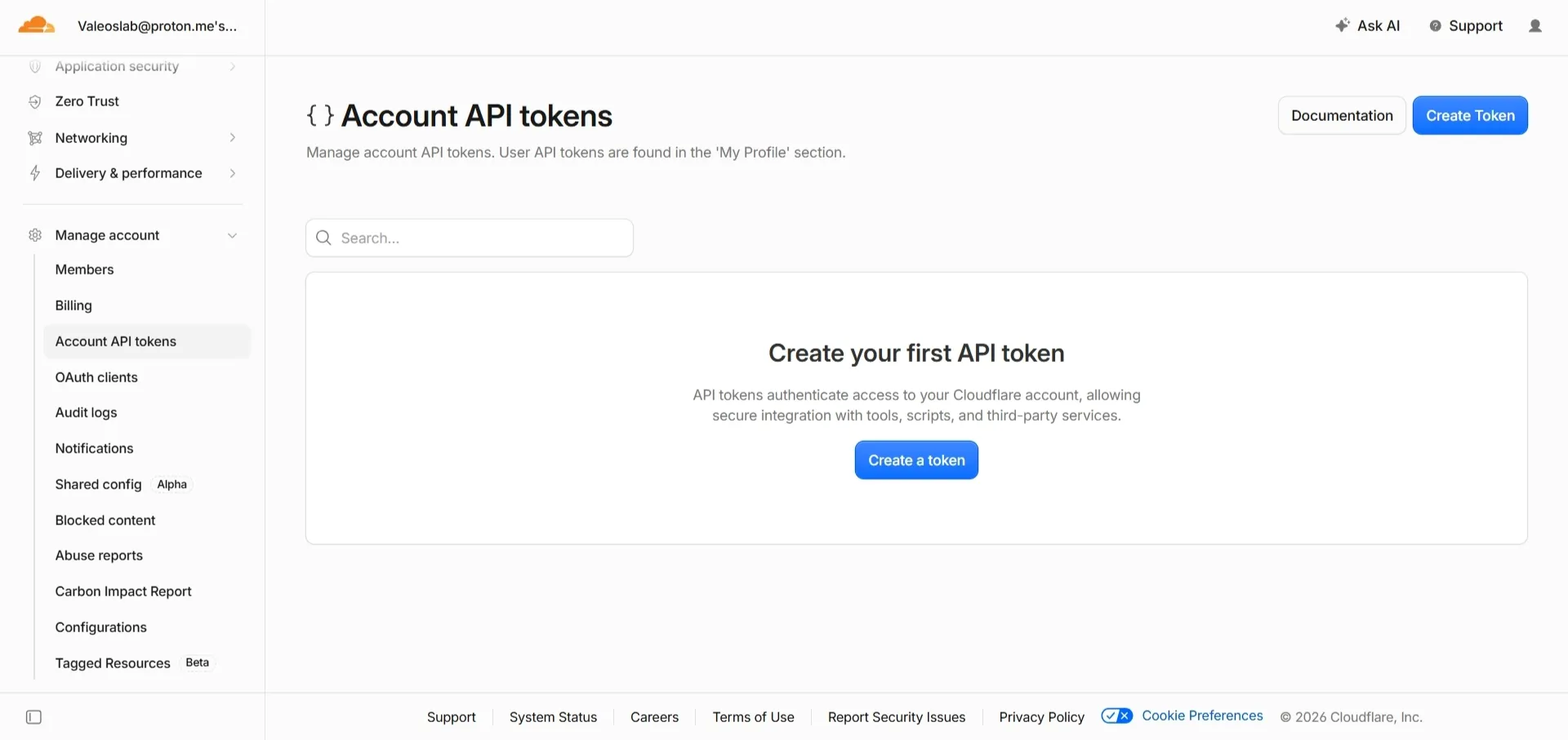
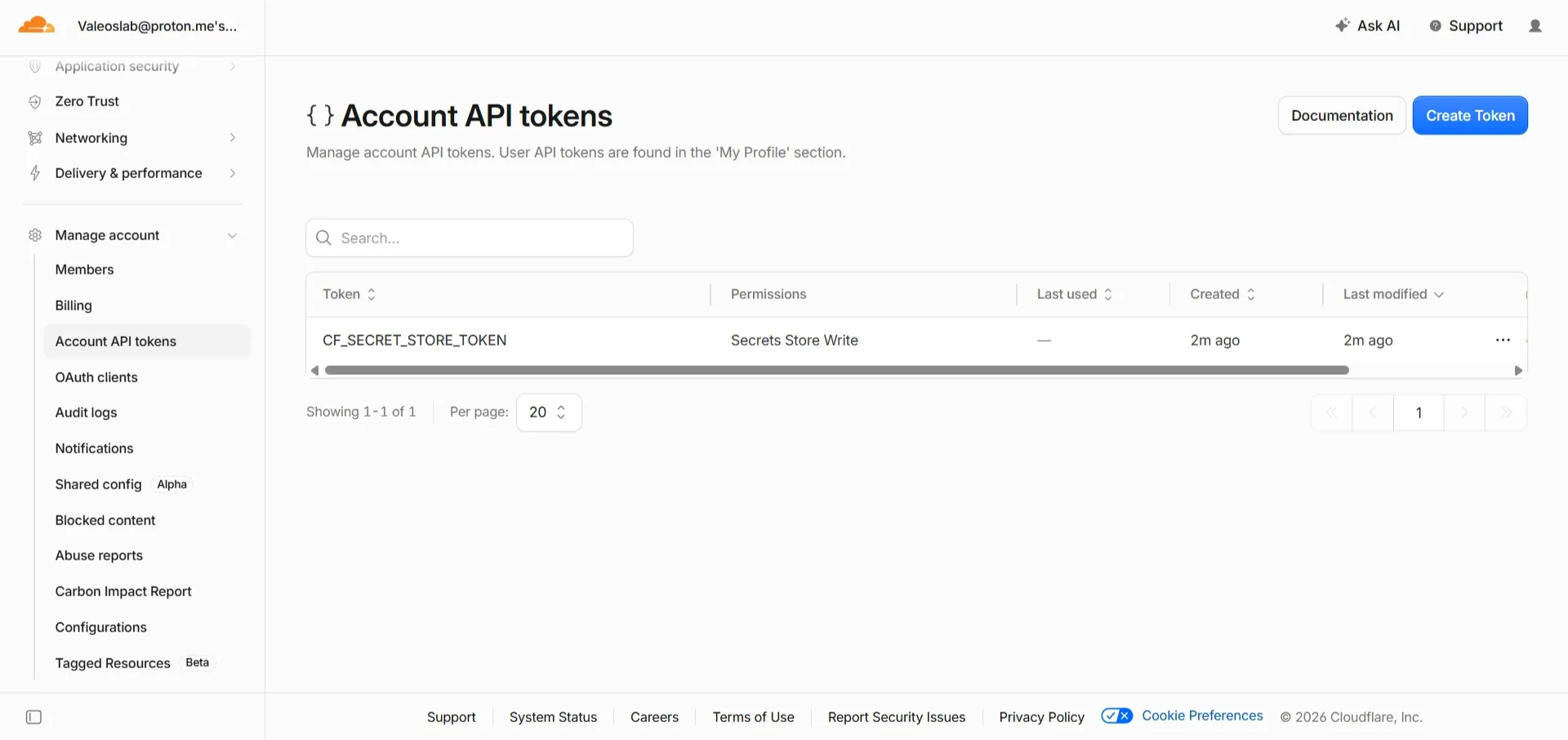
- Click your profile icon (top right) → API Tokens → Create Token.
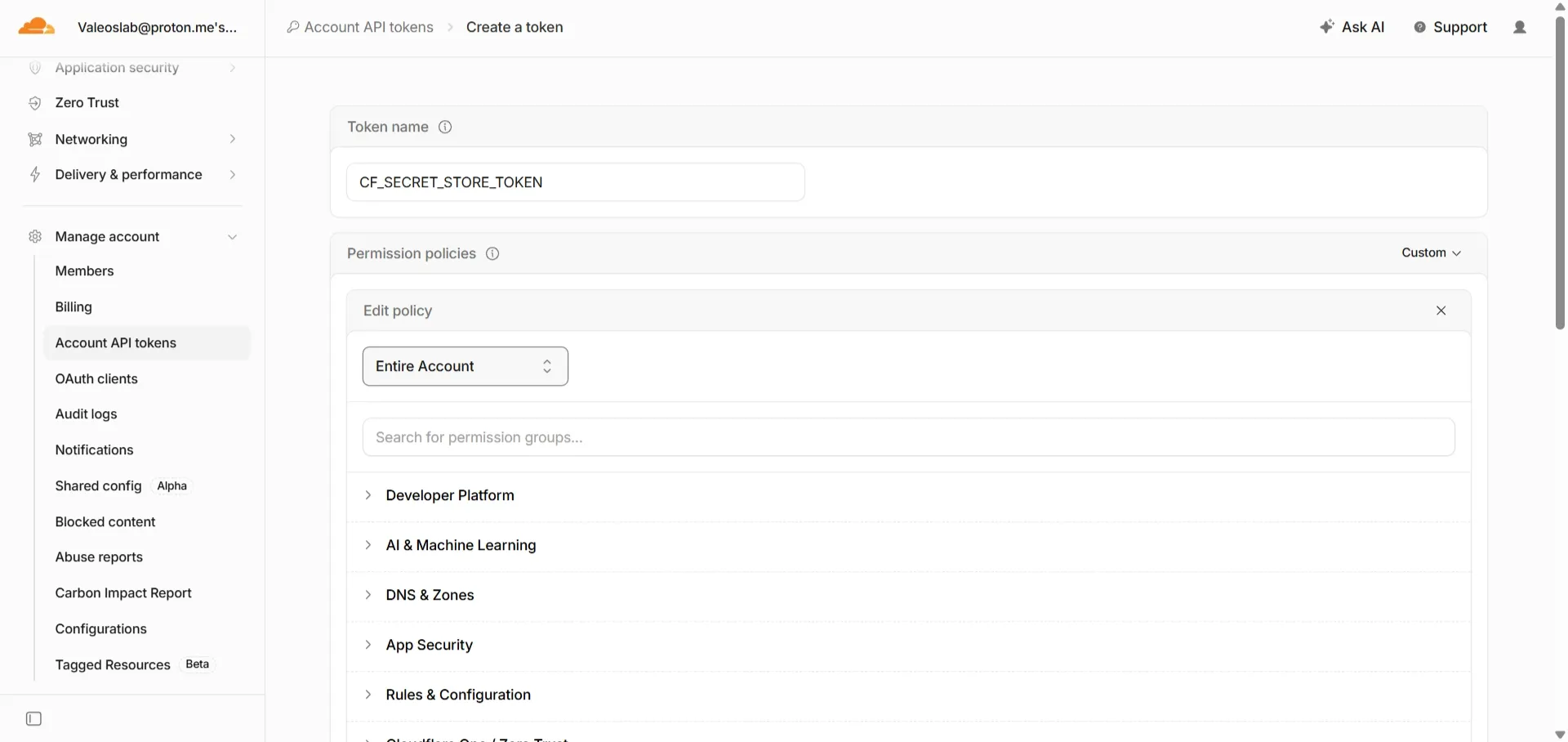
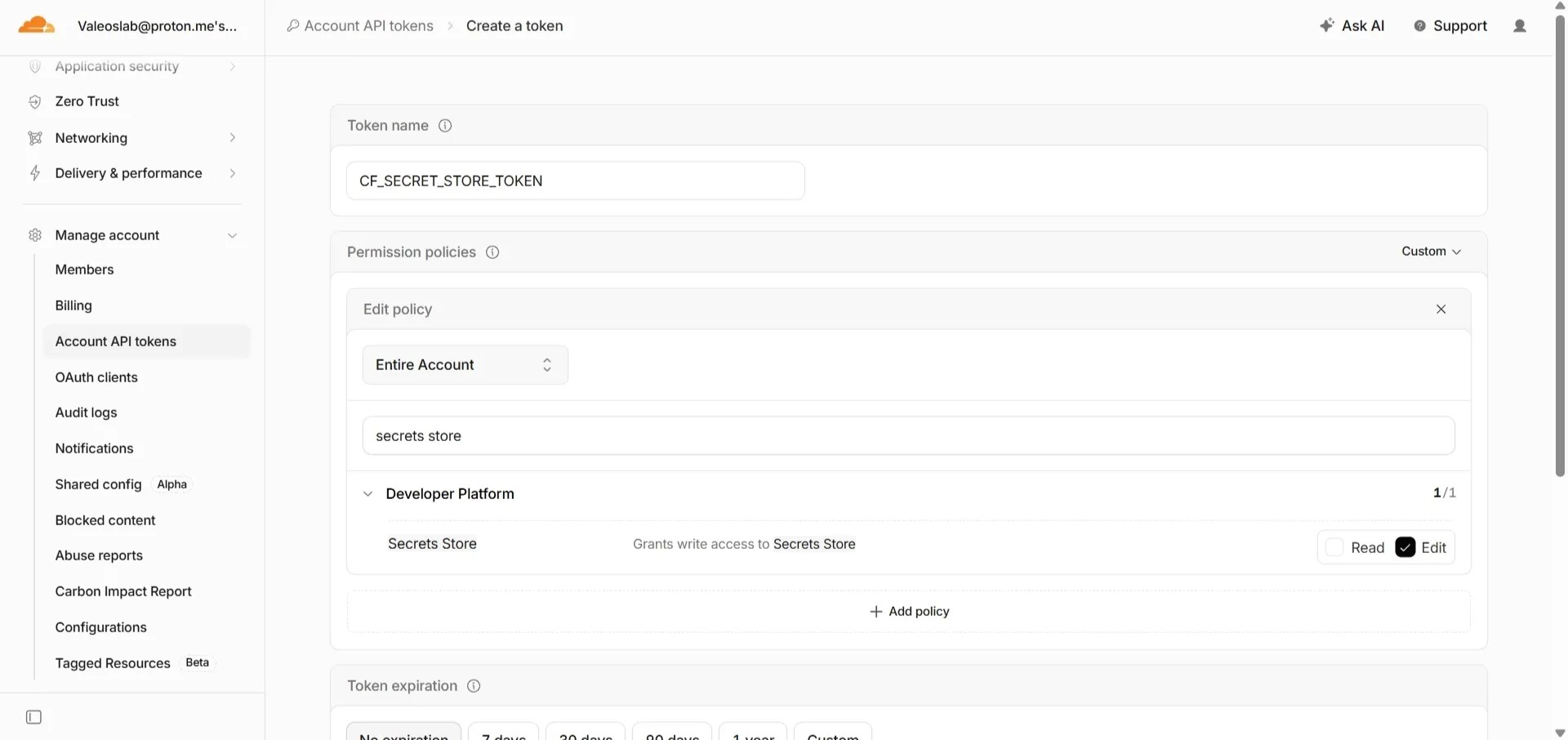
- Choose Custom token → Get started.
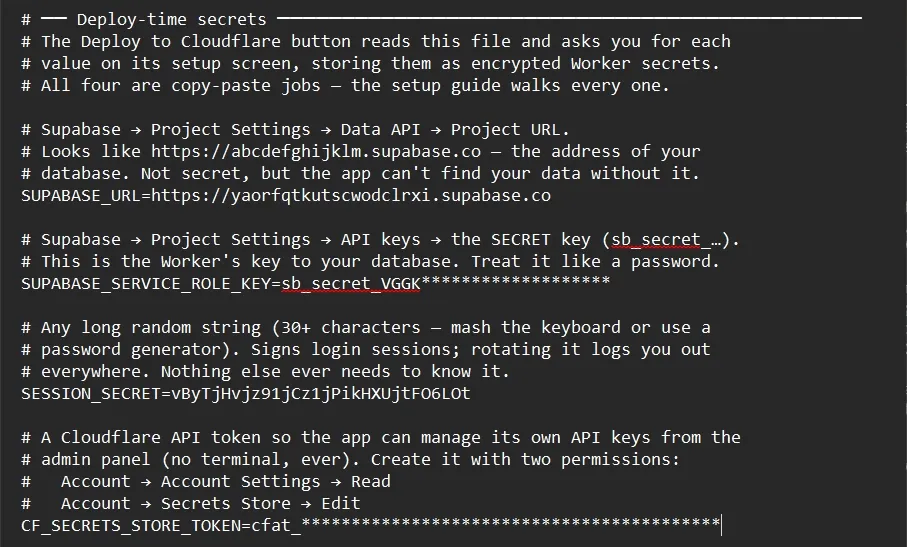
- Under Permissions, add exactly two:
- Account → Account Settings → Read
- Account → Secrets Store → Edit
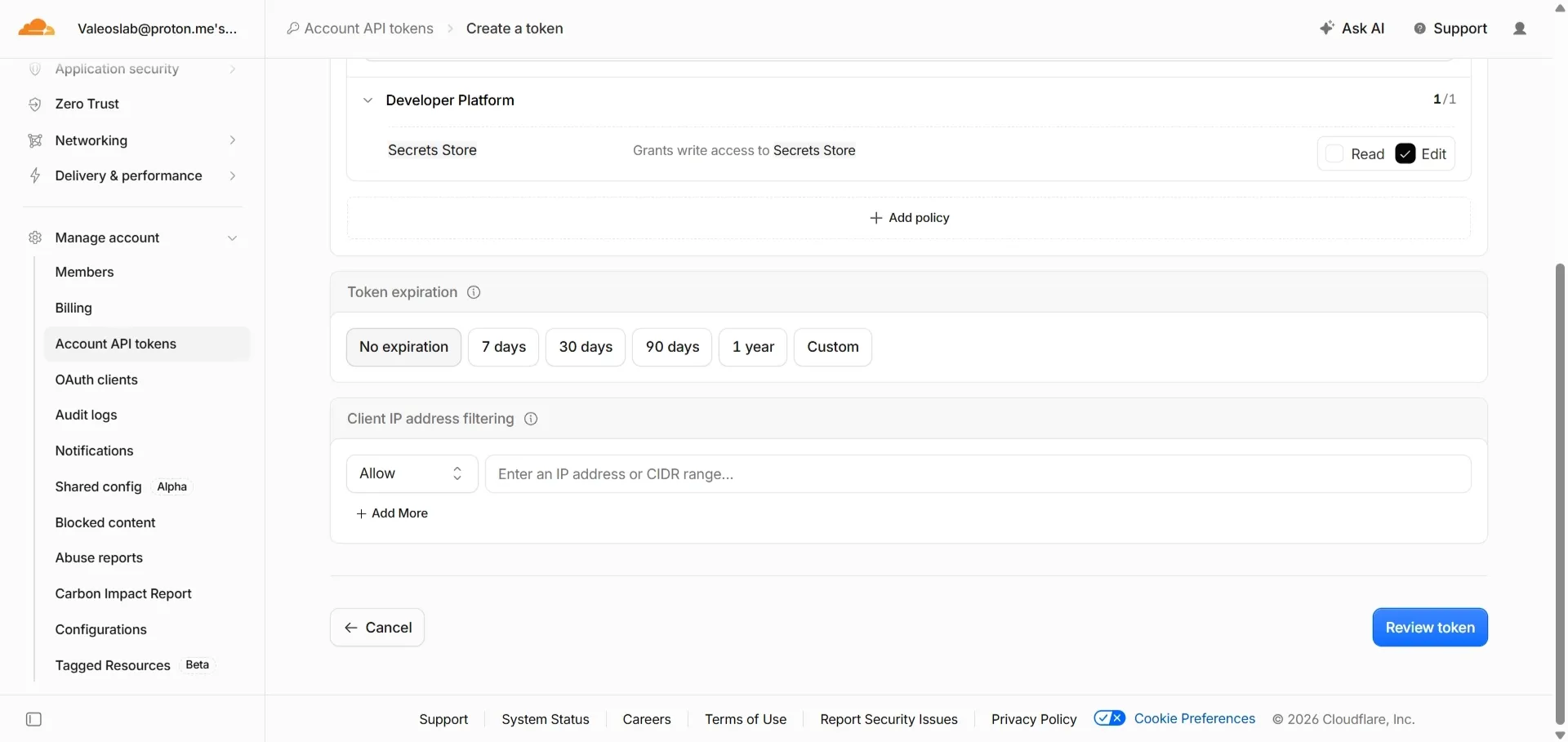
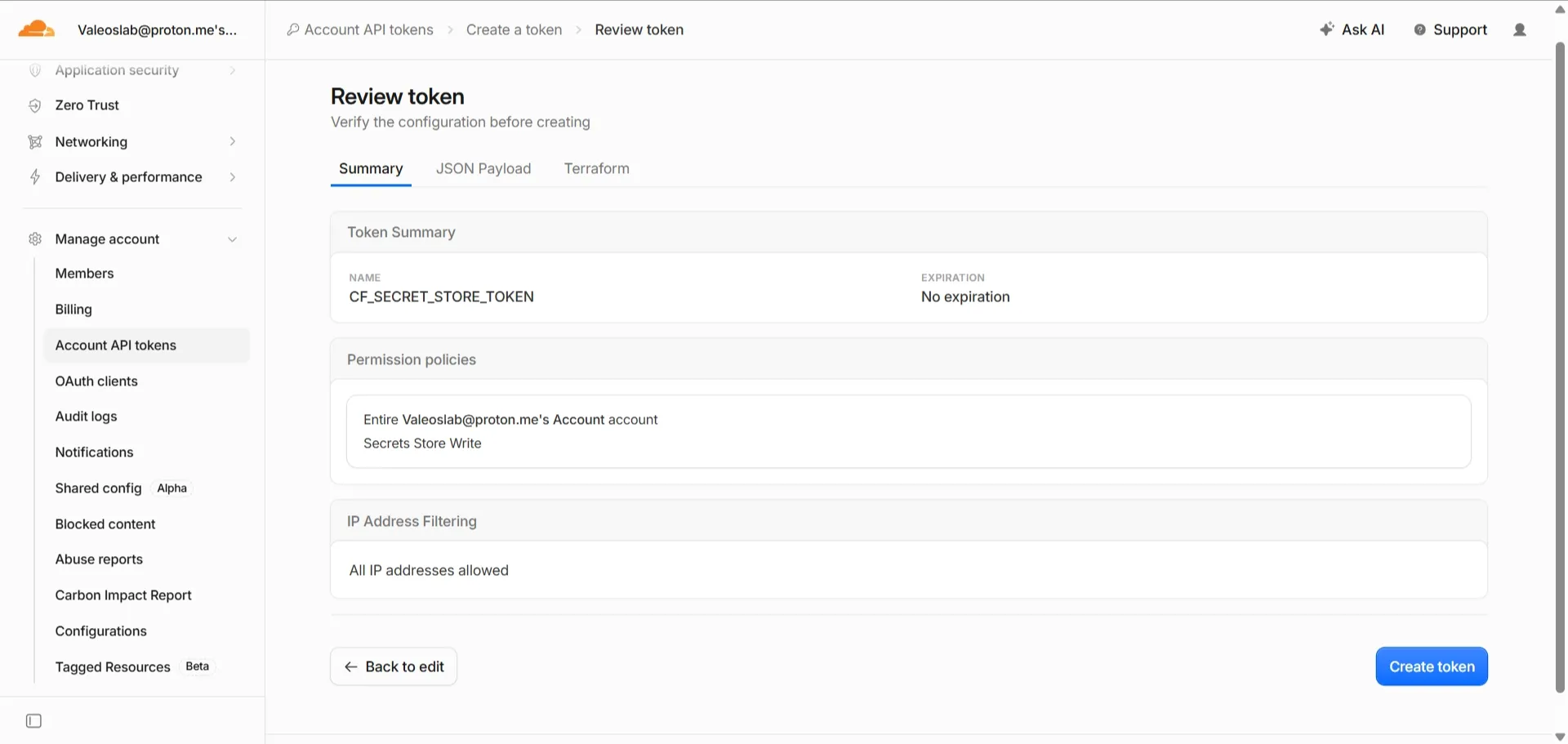
- Continue to summary, then Create Token.
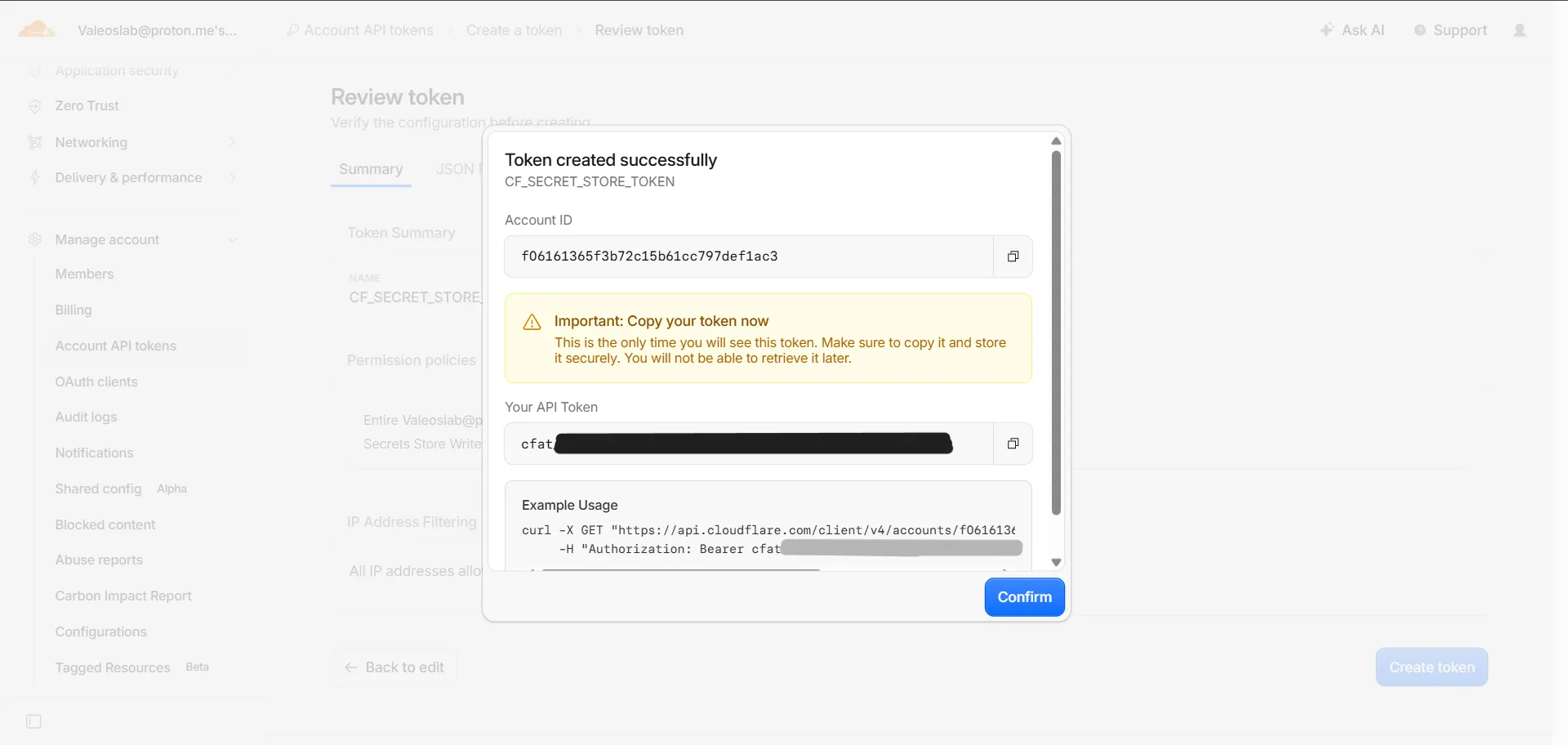
- Copy the token into your text file now. Cloudflare shows it once and never again.